AZ DevOps
App
From planning and development to testing and deployment, the application developed by PurpleSoft brings Azure DevOps to mobile devices, enabling development teams to manage their workflows on the go. Designed as a flexible and scalable tool, the app can be customized to adapt to different team structures, processes, and project needs.
AZ DevOps App
AZ DevOps App is a mobile application born from a concrete need of our development team. We needed to be able to continue working on Azure DevOps even when we were not in front of a computer—for example during meetings, business trips, or when working off-site with access only to a smartphone.
Azure DevOps is Microsoft’s platform used to manage software projects, plan tasks, control source code, and handle integration and release processes. For us, it is a core tool used on a daily basis, and the need for operational continuity is what drove us to develop an app that allows full and functional access to it even from a smartphone.
After using it within our own team, we decided to make it available to other developers and companies worldwide. Today, AZ DevOps App has surpassed 58,000 downloads on the App Store and 15,000 on the Play Store, and is used across multiple countries by professionals and development teams.
What does it allow you to do
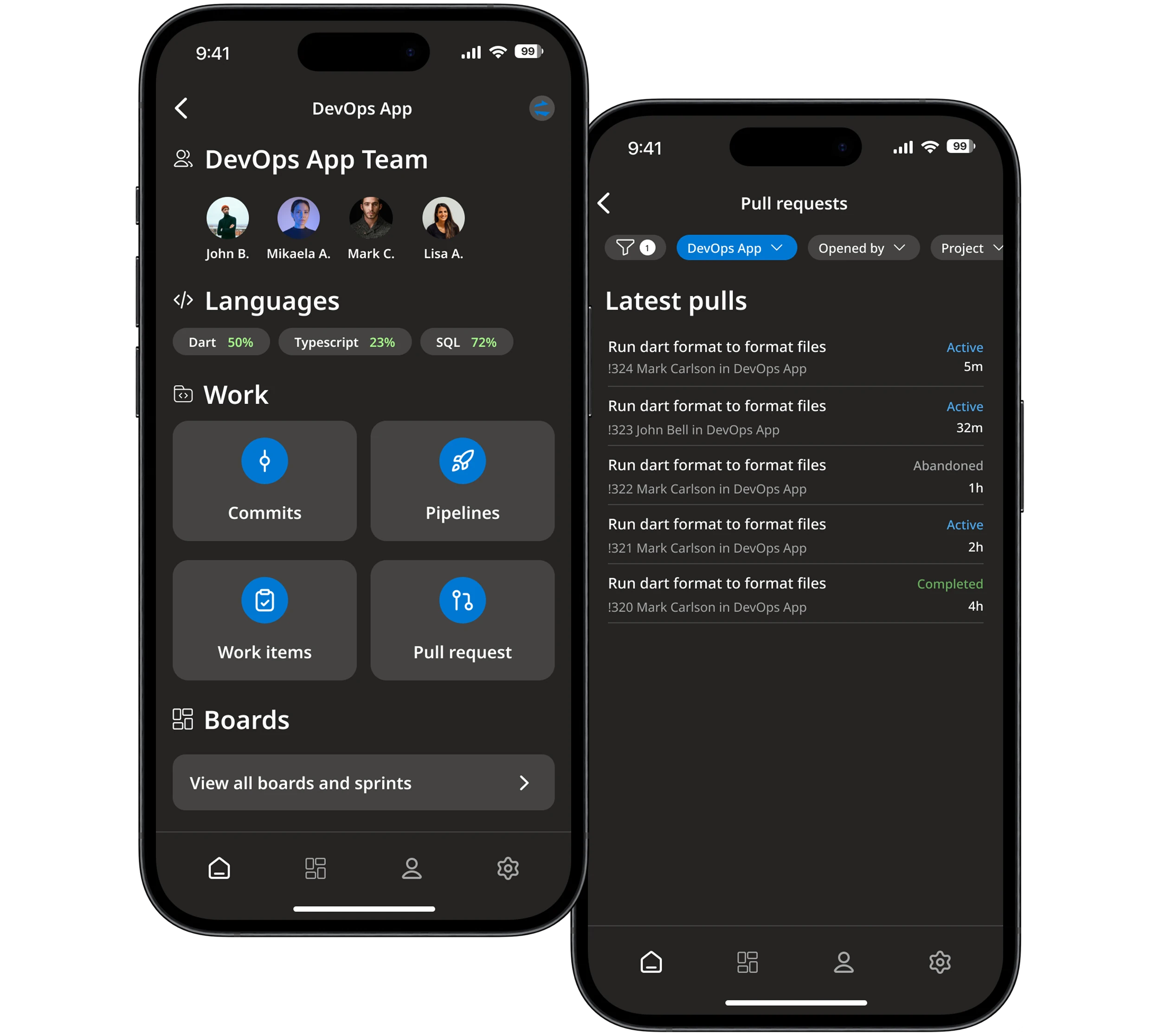
The app allows you to work on Azure DevOps directly from your phone, providing access to the main operational features:
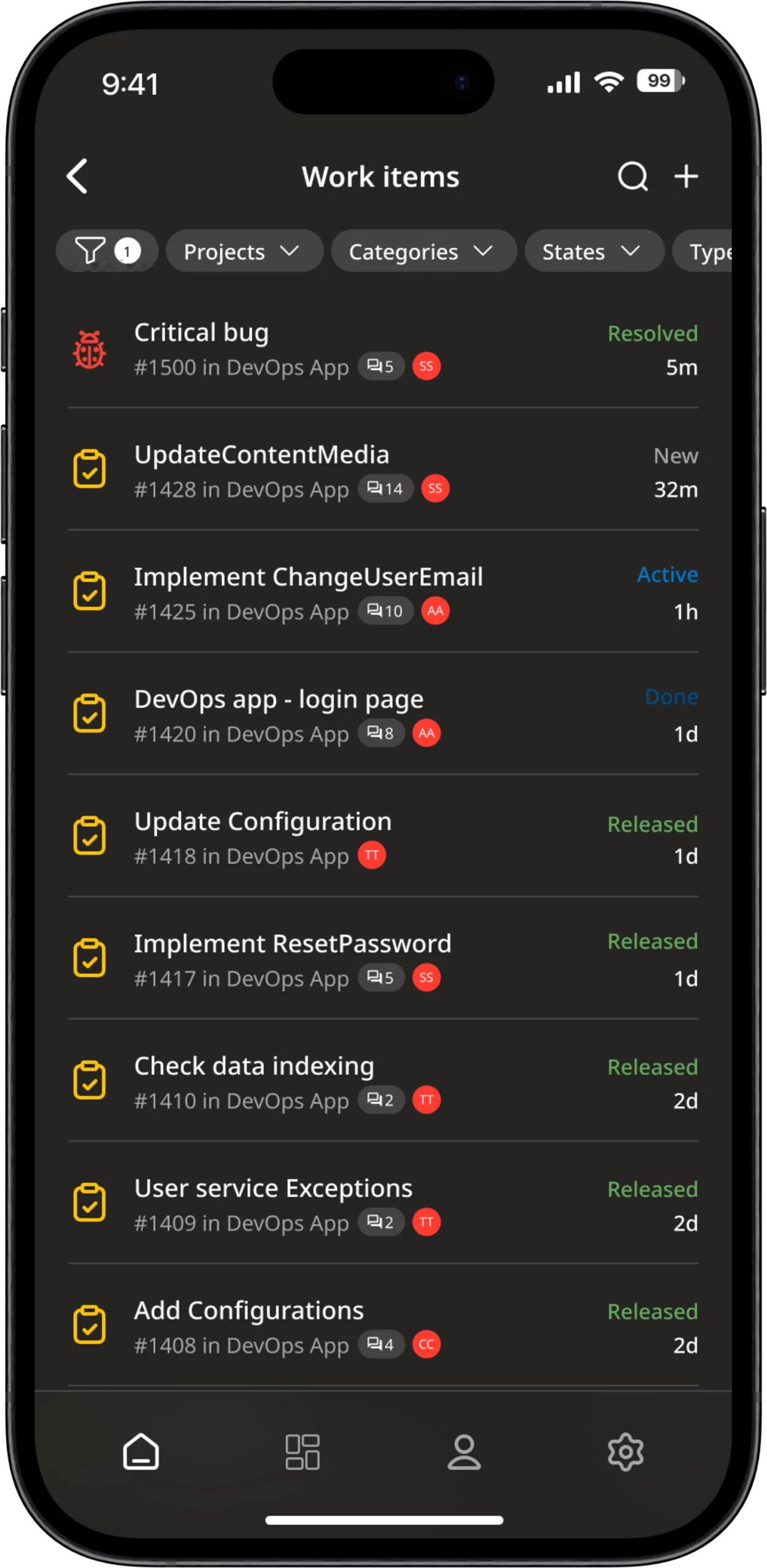
- Viewing and updating Work Items
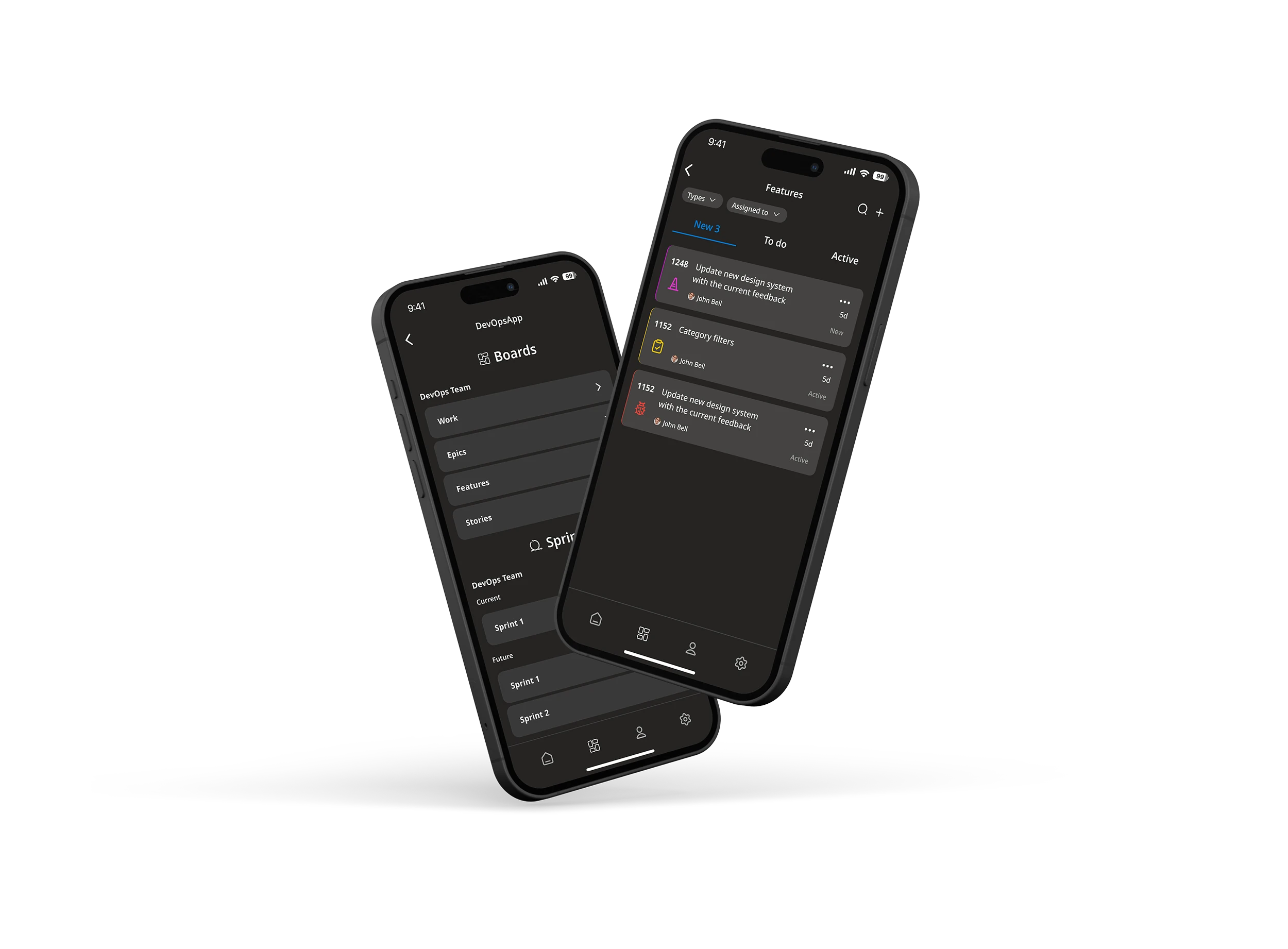
- Management and viewing of boards and sprints
- Monitoring of pipelines, builds, and releases
- Access to repositories and commits
- Management, commenting, and approval of Pull Requests
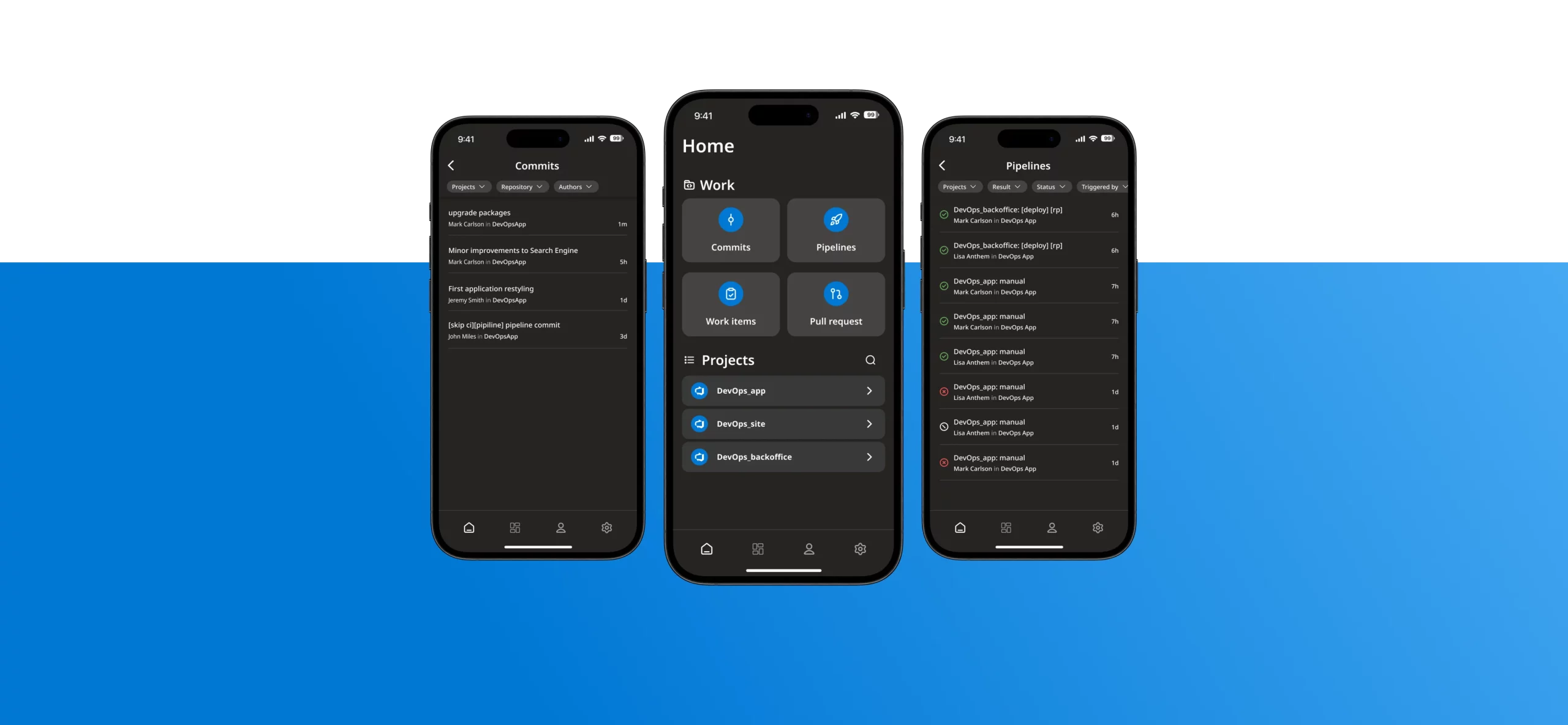
It is designed for quick actions, immediate activity monitoring, and maintaining operational continuity even when away from the workstation.
How it works
Access can be granted via a Microsoft account or through a Personal Access Token, depending on the needs and policies adopted by the organization. The app supports multiple organizations and projects, making it suitable even for those working across multiple Azure DevOps tenants.
The result is a reliable, practical tool, designed to integrate naturally into the daily workflow of Azure DevOps users.
Main features
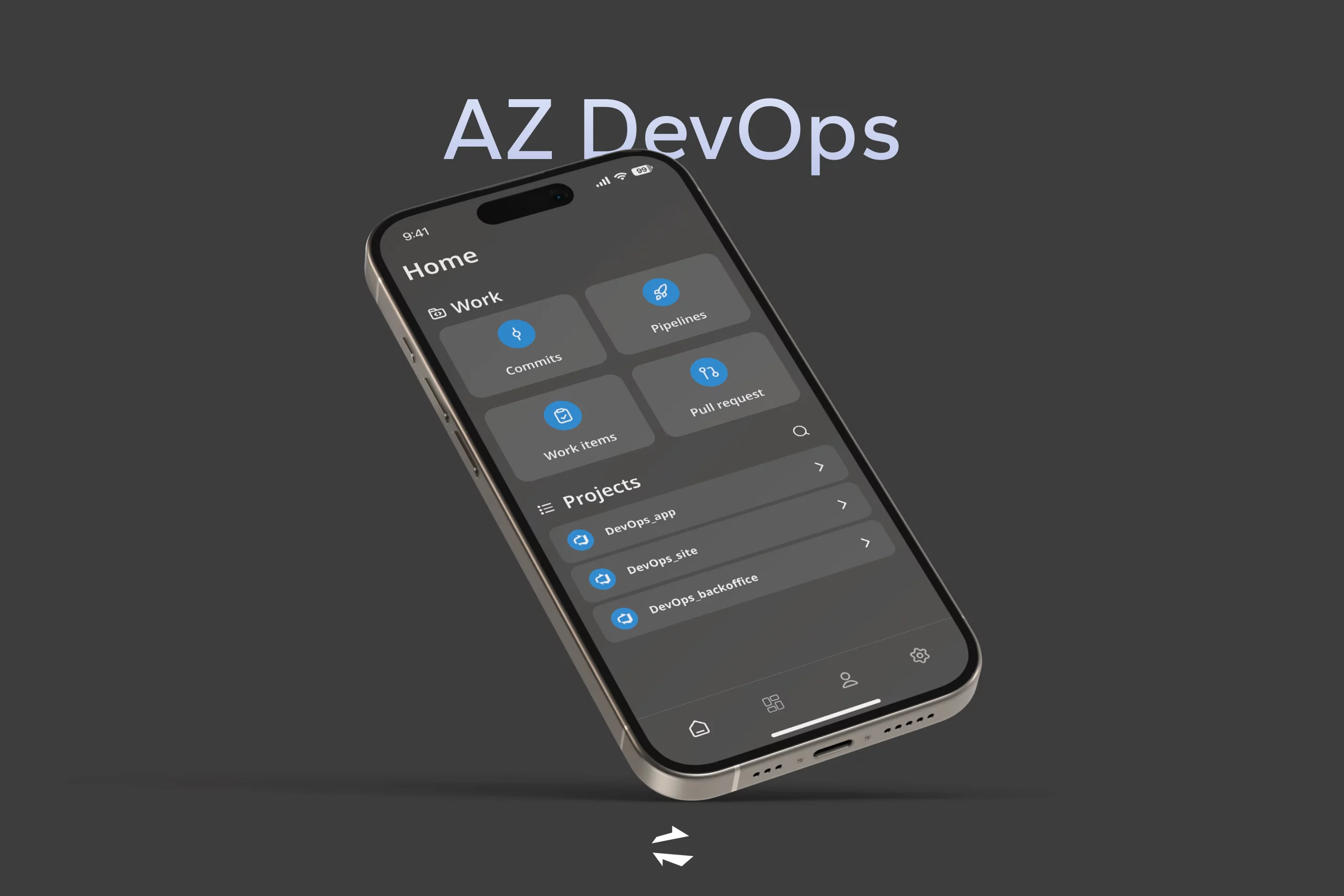
- Projects
View your archive of projects and customize which projects are displayed according to the current needs of a team.
- Commits
It allows teams to collaborate on code and track changes.
- Pipelines
Automate the process of building, testing and deploying code with pipelines.
- Work Items
Track and manage tasks, bugs, and features with Work Items.
- Pull Request
Propose and review code changes before merging them into the main branch.
Conclusions
The AZ DevOps App extends the use of Azure DevOps to smartphones, allowing you to continue working even when away from your computer. It enables you to maintain control over tasks, code, and processes in a simple and immediate way, making it possible to make decisions and take action quickly while on the go, without relying on a fixed workstation.
Download AZ DevOps now!


Download AZ DevOps now!